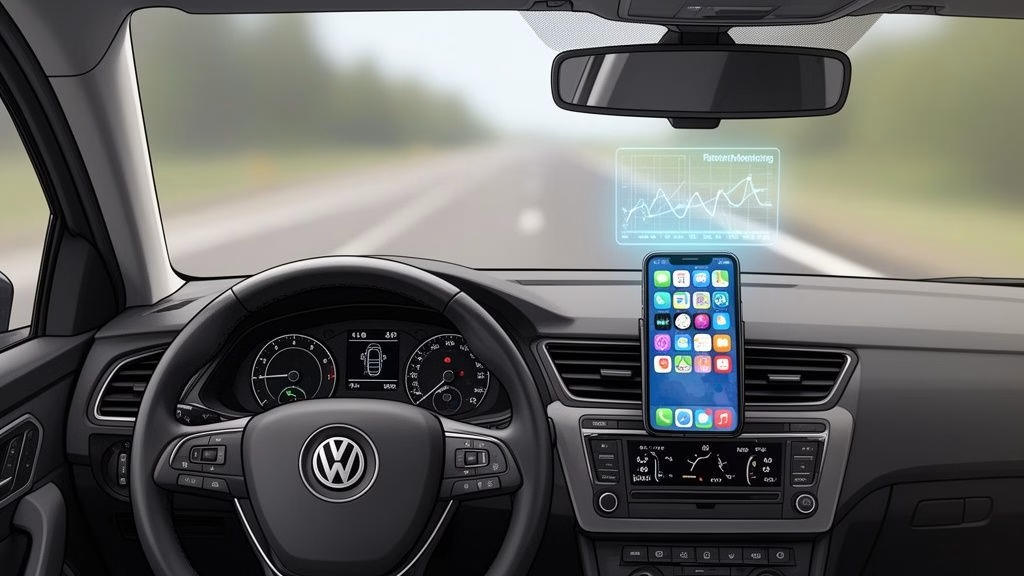
In an era where smartphones are constant companions, the line between helpful technology and dangerous distraction has never been thinner, especially behind the wheel. The good news is that technology can also be a powerful ally in fostering safer driving habits. From integrated dashboard systems that minimize phone handling to telematics apps that reward good behavior with lower insurance premiums, a new generation of digital tools is here to help. This guide cuts through the noise to provide a detailed look at the best apps for safe driving available today.
We move beyond simple feature lists to offer practical insights, real-world use cases, and honest assessments of each app's strengths and limitations. Whether you are a parent coaching a new teen driver, a commuter looking to reduce insurance costs, or simply someone committed to eliminating distractions, this comprehensive resource will help you choose the right tools to make every journey a safer one.
Inside, you will find a curated breakdown of 12 leading applications, complete with direct links and platform availability. Each entry is designed to help you quickly identify the best solution for your specific needs, such as:
- Preventing distracted driving with focus modes and call-blocking features.
- Monitoring new drivers by tracking speed, location, and phone usage.
- Lowering insurance premiums through telematics programs that track and reward safe habits.
- Integrating with driver education, including Basic Driver Improvement (BDI) courses in Florida.
Our goal is to equip you with the information needed to select and implement an app that genuinely enhances safety, reduces risk, and provides peace of mind on the road.
1. Apple CarPlay
While not a standalone app, Apple CarPlay is a foundational platform that transforms a vehicle's dashboard into a simplified, safety-focused extension of an iPhone. It stands out by integrating core phone functions directly into the car's native display, drastically reducing the need to handle the device itself. This mirroring system is one of the most effective tools for minimizing distracted driving and a key reason it tops our list of apps for safe driving.
The user experience is defined by its clean interface, featuring large, tappable icons and a streamlined design. Voice control via Siri is central to its operation, allowing drivers to make calls, send dictated messages, and navigate without taking their hands off the wheel or eyes off the road.
Key Features and Best Use
CarPlay excels for daily commuters and families who want a seamless, less distracting in-car experience. It's particularly beneficial for new or teen drivers, as it limits app access to only those approved for in-car use, removing temptations like social media or video streaming.
- Platform: iOS
- Cost: Free (included with iPhone, but requires a compatible vehicle or aftermarket head unit)
- Best For: All drivers seeking to minimize phone handling and reduce cognitive load.
| Pros | Cons |
|---|---|
| Mature, widely supported ecosystem | Requires a compatible vehicle or stereo |
| Consistent, safety-oriented UI | Some automakers are dropping support |
| Strong third-party app integration | Heavily reliant on Siri for hands-free use |
Pro-Tip: Customize the CarPlay home screen on your iPhone (Settings > General > CarPlay > [Your Car] > Customize) to place your most-used apps like Maps or Waze on the first page for even quicker, safer access.
Website: https://www.apple.com/ios/carplay/
2. Driving Focus (iPhone)
Distinct from full-scale platforms, Driving Focus is a powerful, built-in iOS feature designed for one specific purpose: eliminating digital distractions. Instead of adding new functionality, it intelligently restricts it. The system automatically silences notifications and can send auto-replies to incoming texts, preventing the urge to check the phone. Its seamless integration with the operating system makes it one of the simplest yet most effective apps for safe driving.
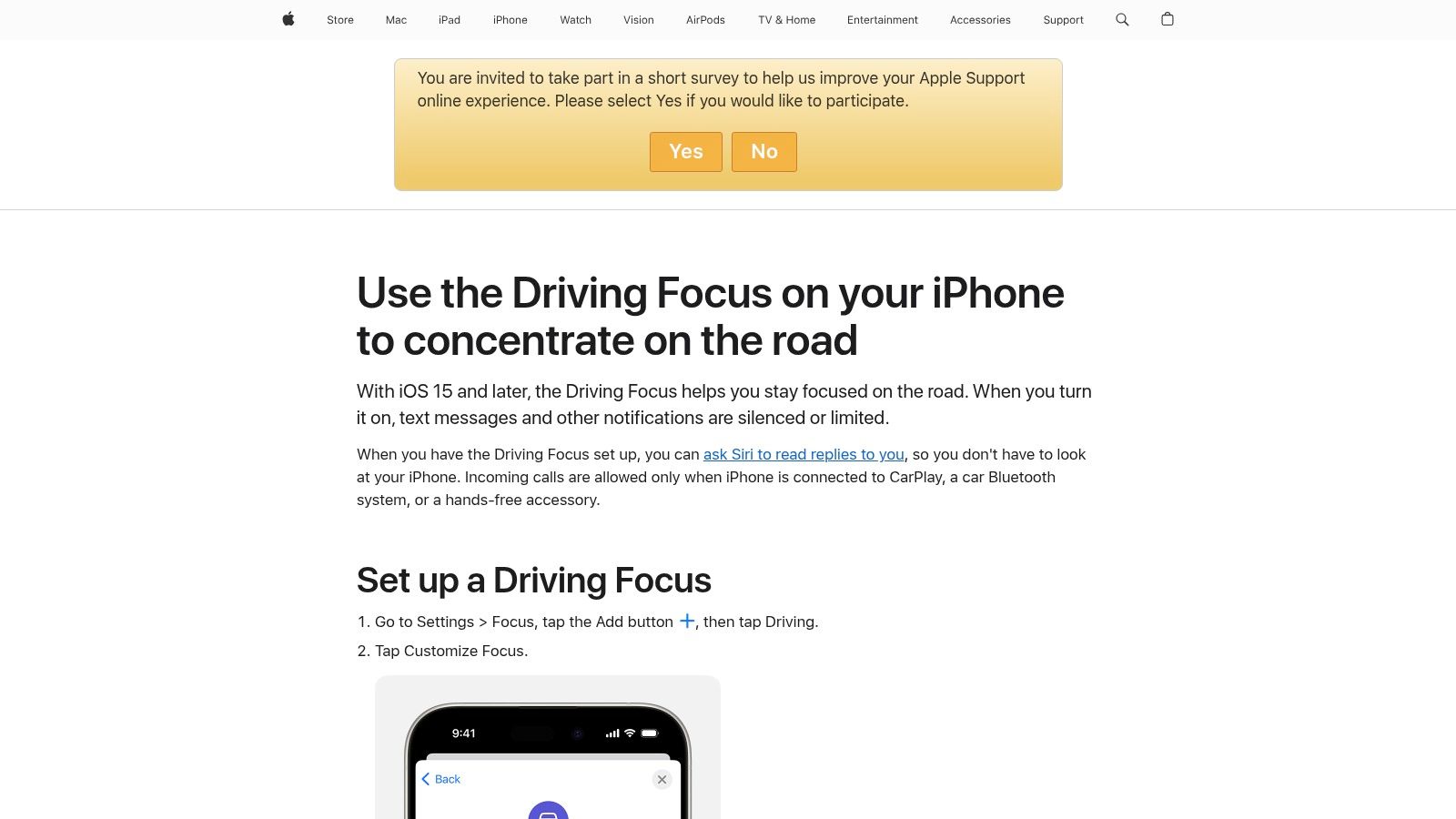
The user experience is frictionless. It can activate automatically when it detects you're driving, such as when connected to car Bluetooth or CarPlay. This "set it and forget it" approach is its greatest strength, removing the need for manual activation before every trip. It directly addresses the core issue of cognitive load, a critical part of distracted driving awareness.
Key Features and Best Use
Driving Focus is ideal for parents setting up a teen's first iPhone or for any driver who struggles with the temptation of incoming alerts. It creates a simple, enforceable digital boundary without requiring a third-party app. You can customize which contacts can break through the focus mode for genuine emergencies.
- Platform: iOS (15 and later)
- Cost: Free (included with iOS)
- Best For: Individuals and families seeking a simple, integrated tool to curb notifications while driving.
| Pros | Cons |
|---|---|
| Free and seamlessly integrated with iOS | Does not provide driver scoring or data |
| Automatic activation reduces friction | Limited to iOS devices only |
| Customizable for emergency contacts | No fleet management or advanced tracking |
Pro-Tip: In your iPhone's Settings > Focus > Driving, you can customize the "Auto-Reply" message to let people know you're on the road and will respond later, managing their expectations and reducing your urge to reply.
Website: https://support.apple.com/en-us/108384
3. Android Auto
A direct counterpart to Apple CarPlay, Android Auto is Google’s answer to integrating a smartphone into a vehicle’s infotainment system. It projects a simplified, driver-friendly interface from an Android device onto the car’s dashboard, focusing on navigation, communication, and media playback. By leveraging the power of Google Assistant and Gemini AI, it provides a powerful voice-first experience, making it a premier platform among apps for safe driving.
The user experience is built around familiar Google services, with a clean, card-based layout that prioritizes information density without becoming cluttered. Voice commands are central to the platform, allowing drivers to ask for directions, respond to messages, and control music hands-free. This significantly reduces manual interaction and helps keep the driver’s focus on the road.
Key Features and Best Use
Android Auto is ideal for the vast majority of smartphone users who rely on the Android ecosystem. It excels for drivers who depend on Google Maps or Waze for real-time traffic updates and navigation. Its split-screen capability on supported displays is a major advantage, allowing a map and media player to be viewed simultaneously, further minimizing the need to switch between screens.
- Platform: Android
- Cost: Free (included with Android OS, but requires a compatible vehicle or aftermarket head unit)
- Best For: Android users seeking deep integration with Google services and a highly functional, voice-controlled driving experience.
| Pros | Cons |
|---|---|
| Familiar Google services and broad app support | Occasional bugs may affect specific dashboards |
| Strong Waze/Maps integration and feature updates | Requires a compatible Android phone and vehicle |
| Wireless connection supported on many newer cars | Interface can vary slightly between car models |
Pro-Tip: Activate Driving Mode within Google Assistant settings on your phone. This provides a simplified, Android Auto-like experience even in cars without a compatible dashboard display, offering another way to reduce distractions.
Website: https://www.android.com/auto/
4. Life360
While often known as a family location-sharing app, Life360 has evolved into a comprehensive safety platform with powerful tools that promote safe driving habits. It goes beyond simple GPS tracking by offering detailed driver reports that monitor behaviors like high speed, hard braking, rapid acceleration, and phone usage while behind the wheel. This makes it an invaluable resource for parents looking to mentor teen drivers and gain peace of mind.
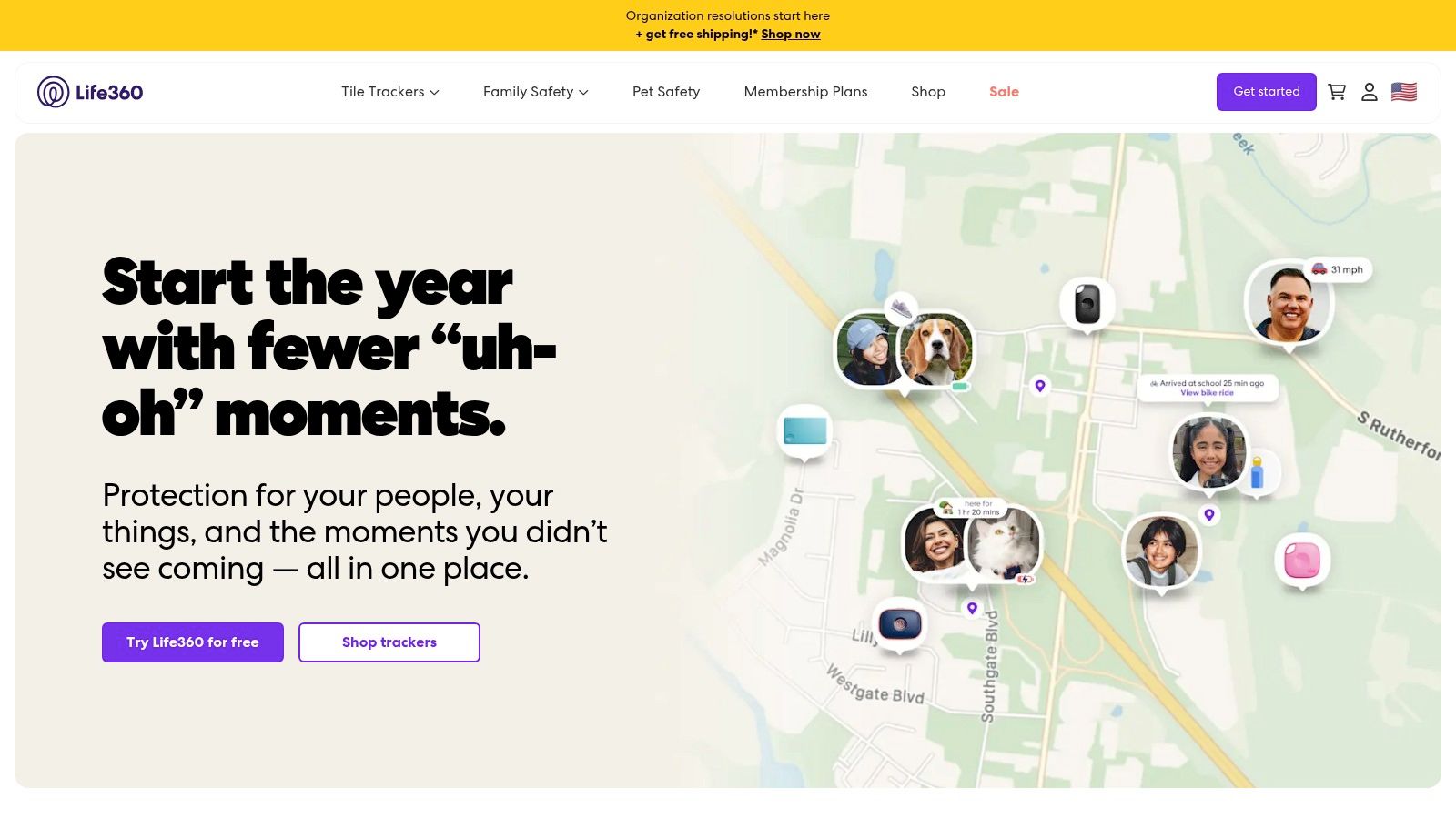
The user experience centers around a family "Circle," where members can view each other's locations and driving summaries. Its standout feature is the automatic crash detection, which can dispatch emergency services to a driver's location if a collision is detected and the user is unresponsive. This multifaceted approach, combining behavioral analytics with emergency response, solidifies its place among the top apps for safe driving.
Key Features and Best Use
Life360 is ideal for families, particularly those with new or teen drivers, who want an all-in-one solution for location awareness, driving safety monitoring, and emergency assistance. The driving reports provide concrete data that can be used to open up constructive conversations about responsible road behavior, transforming abstract safety rules into tangible feedback.
- Platform: iOS, Android
- Cost: Free (basic version); Paid tiers (Silver, Gold, Platinum) from ~$14.99/month
- Best For: Parents monitoring teen drivers and families wanting integrated safety features.
| Pros | Cons |
|---|---|
| All-in-one family safety hub | Paid tiers required for full features |
| Detailed driving behavior reports | User privacy and data-sharing concerns reported |
| Automatic crash detection and response | Can feel intrusive for some users |
Pro-Tip: Before a trip, use the app to set up "Places" like home, school, or work. You will receive automatic alerts when a family member arrives or departs, reducing the need to text or call them for updates while they might be driving.
Website: https://www.life360.com/
5. OnStar Guardian
OnStar Guardian extends the renowned in-vehicle safety service into a powerful standalone mobile app, bringing professional emergency response to any car, not just GM vehicles. It leverages your smartphone's sensors to detect a crash and automatically connects you with a certified OnStar Emergency Advisor. This app stands out by offering a human-centric safety net, making it one of the most reliable apps for safe driving when immediate, professional help is critical.
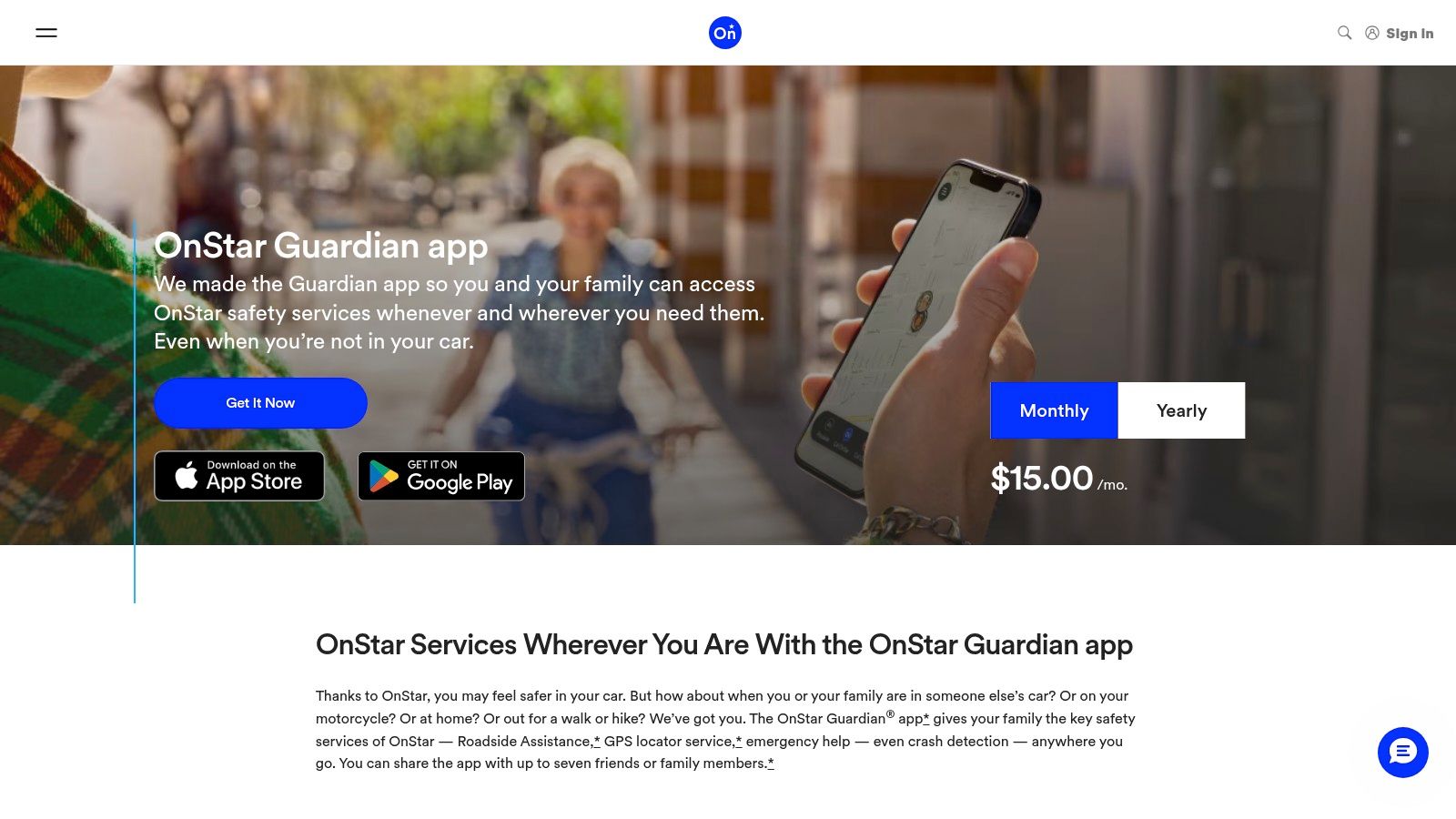
The user experience is centered on its core safety functions, providing roadside assistance and location sharing features that allow family members to stay connected. By providing access to live advisors 24/7, it offers a level of support that automated systems cannot match, making it an invaluable tool for parents of teen drivers, solo commuters, or anyone traveling in unfamiliar areas.
Key Features and Best Use
OnStar Guardian is ideal for families seeking a comprehensive safety solution that works across multiple vehicles and for individuals who prioritize expert assistance in an emergency. The automatic crash detection provides peace of mind, ensuring that even if you can't call for help, an advisor can dispatch first responders to your GPS location. Knowing what to do after a car accident is crucial, and this app initiates the first step for you.
- Platform: iOS, Android
- Cost: Subscription-based (monthly/annual plans available)
- Best For: Families and individuals wanting professional, 24/7 crash response in any vehicle.
| Pros | Cons |
|---|---|
| Professional emergency support anywhere | Requires a paid subscription |
| Not limited to GM vehicles | Does not directly provide insurance discounts |
| Backed by a trusted emergency-response brand | Relies on phone sensors for crash detection |
Pro-Tip: Add family members to your "My Family" group within the app. This not only allows for location sharing but also extends the full suite of OnStar Guardian services, including crash response, to everyone in the plan, no matter whose car they are in.
Website: https://www.onstar.com/plans/guardian-app
6. State Farm Drive Safe & Save
Unlike apps focused solely on blocking distractions, State Farm’s Drive Safe & Save is a usage-based insurance (UBI) program that directly incentivizes safer habits with financial rewards. It operates through the primary State Farm app, paired with a small Bluetooth beacon sent to the policyholder. This system provides a clear, data-driven look at your driving behavior, making it one of the most practical apps for safe driving if you're motivated by potential premium discounts.
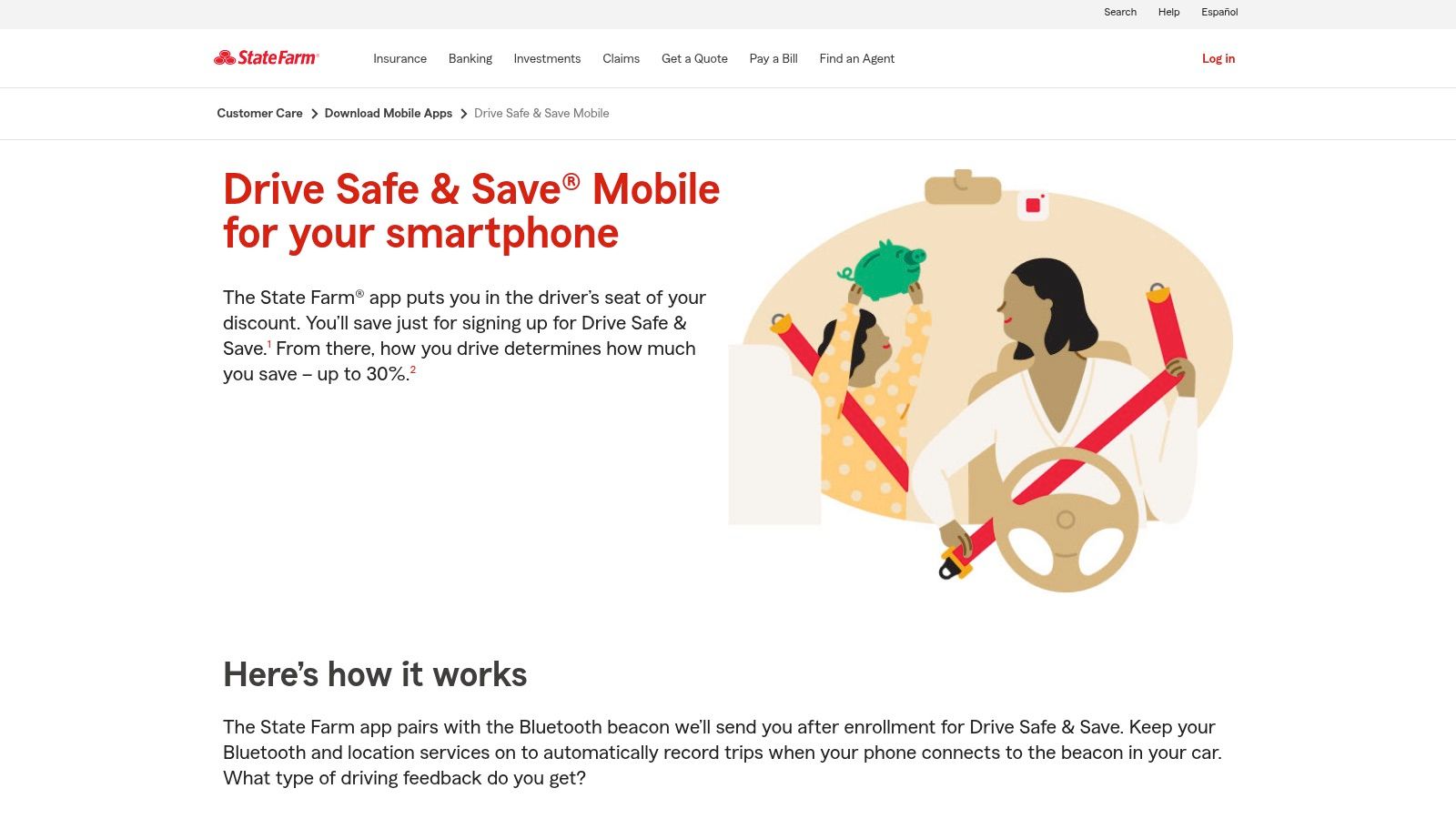
The user experience is centered on feedback. The app scores trips based on key safety metrics like acceleration, braking, cornering, speed, and phone use. This gamified approach encourages tangible improvements, as drivers can see exactly how their actions on the road translate into their potential insurance discount, which can be up to 30%.
Key Features and Best Use
This program is ideal for budget-conscious drivers and families with teens who want to see a direct financial benefit from safe driving practices. It provides transparent feedback that can be used as a powerful coaching tool, turning abstract concepts like "smooth braking" into measurable data. The combination of an initial participation discount and ongoing performance-based adjustments makes it a compelling option.
- Platform: iOS, Android (requires State Farm policy)
- Cost: Free (part of an eligible insurance policy)
- Best For: Policyholders seeking to lower their insurance premiums through demonstrated safe driving.
| Pros | Cons |
|---|---|
| Direct financial incentive for safe driving | Requires a specific hardware beacon and app permissions |
| Provides clear, actionable feedback on habits | Some users report occasional app connectivity glitches |
| Transparent metrics for scoring trips | Data is shared directly with your insurance provider |
Pro-Tip: Regularly review your trip details within the app to identify patterns. If you consistently get flagged for hard braking at a specific intersection, you can adjust your approach to that area, improving both your score and your real-world safety. Many drivers combine this program with other strategies to maximize savings; learn more about defensive driving insurance discounts and see how they can stack up.
Website: https://www.statefarm.com/customer-care/download-mobile-apps/drive-safe-and-save-mobile
7. Progressive Snapshot
Progressive Snapshot is a usage-based insurance (UBI) telematics program that directly rewards safe driving habits with potential policy discounts. It functions primarily through a mobile app that uses your phone's sensors to monitor behaviors like hard braking, rapid acceleration, and phone usage while driving. This app stands out by offering a financial incentive, turning safe driving from a mere best practice into a tangible, cost-saving action.
The user experience is centered on the app's dashboard, which provides feedback on your trips and calculates a performance score. This data-driven approach gamifies safe driving, encouraging drivers to improve their habits to secure a better rate. For those not yet committed, Progressive offers a "Road Test" option in some states, allowing potential customers to try the program for 90 days before switching insurers.
Key Features and Best Use
Snapshot is ideal for consistently safe drivers who want to be rewarded for their good habits and for families looking to instill accountability in teen drivers. The immediate feedback loop after each trip is a powerful educational tool, clearly linking specific actions (like avoiding late-night driving) to a positive outcome. It’s a practical application among apps for safe driving that has a direct financial benefit.
- Platform: iOS, Android
- Cost: Free (included with a Progressive auto insurance policy)
- Best For: Cost-conscious drivers and families who want to translate safe driving into lower insurance premiums.
| Pros | Cons |
|---|---|
| Potential for significant insurance discounts | Discounts and program details vary by state |
| Provides direct, data-driven feedback on habits | Some users report false positives for hard braking |
| "Road Test" option allows a trial run | Requires granting location and motion data access |
Pro-Tip: Review your trips within the app regularly. If you notice a "hard brake" event in an area known for sudden traffic stops, you can better anticipate it in the future, improving both your safety and your Snapshot score.
Website: https://www.progressive.com/auto/discounts/snapshot/snapshot-faq/
8. Allstate Drivewise
Allstate Drivewise is an insurance-based telematics program integrated directly into the main Allstate mobile app, rather than a separate download. It actively monitors driving habits to provide trip-by-trip feedback and offers the potential for significant policy savings. This program stands out by linking safe driving directly to financial rewards, using data to encourage better habits and, according to Allstate's own analysis, contributing to a reduction in severe collisions among its users.
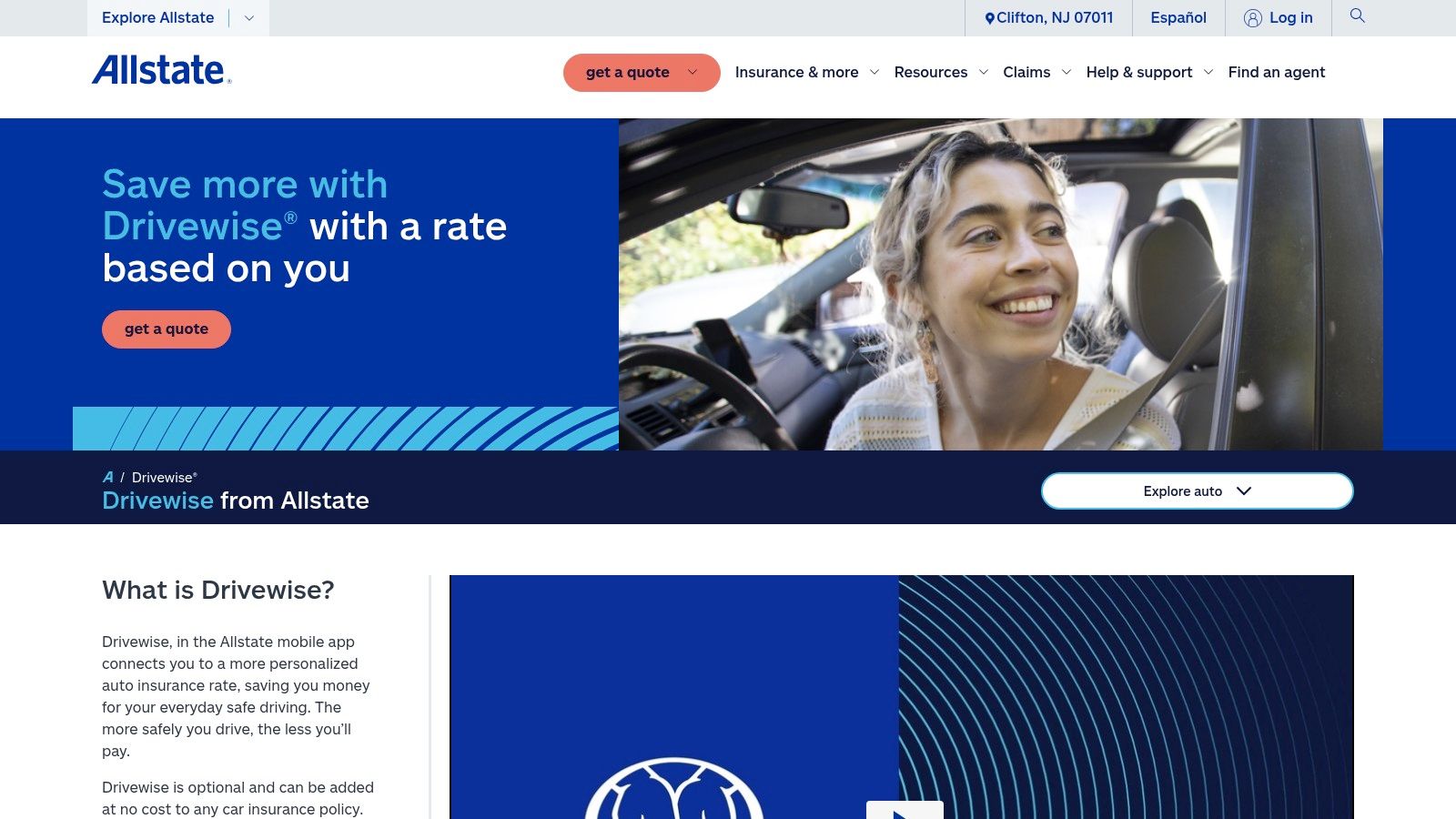
The user experience centers on transparency, with detailed post-drive reports that score events like hard braking, high speeds, and phone usage. This immediate feedback loop helps drivers understand exactly where they can improve, turning every trip into a learning opportunity. It is one of the more seamless apps for safe driving offered by a major insurer because it avoids the need to manage a separate application.
Key Features and Best Use
Drivewise is ideal for Allstate customers who are confident in their safe driving habits and are motivated by financial incentives. It’s also a powerful tool for families looking to coach a teen driver, as the detailed trip reports provide concrete data for constructive conversations about on-the-road behavior.
- Platform: iOS, Android (within the Allstate app)
- Cost: Free (requires an Allstate auto insurance policy)
- Best For: Allstate policyholders seeking insurance discounts and data-driven driving feedback.
| Pros | Cons |
|---|---|
| Data-backed reduction in severe collisions | User reports of enrollment or visibility glitches |
| Embedded in the main app for convenience | Enrollment rules and savings vary by state |
| Direct financial rewards for safe driving | Requires sharing detailed driving data with insurer |
Pro-Tip: Review your trip data weekly, not just daily. Looking at trends over a week can help you identify consistent patterns, such as rushing during your morning commute, that you might otherwise miss.
Website: https://www.allstate.com/drivewise
9. GEICO DriveEasy
GEICO DriveEasy is a telematics program that uses a smartphone app to monitor and score driving habits, directly linking on-road behavior to potential insurance premium adjustments. This app stands out by turning safe driving into a tangible financial incentive for GEICO policyholders. It automatically logs trips to analyze factors like hard braking, acceleration, and phone usage, providing a clear feedback loop for drivers to improve their performance and safety.
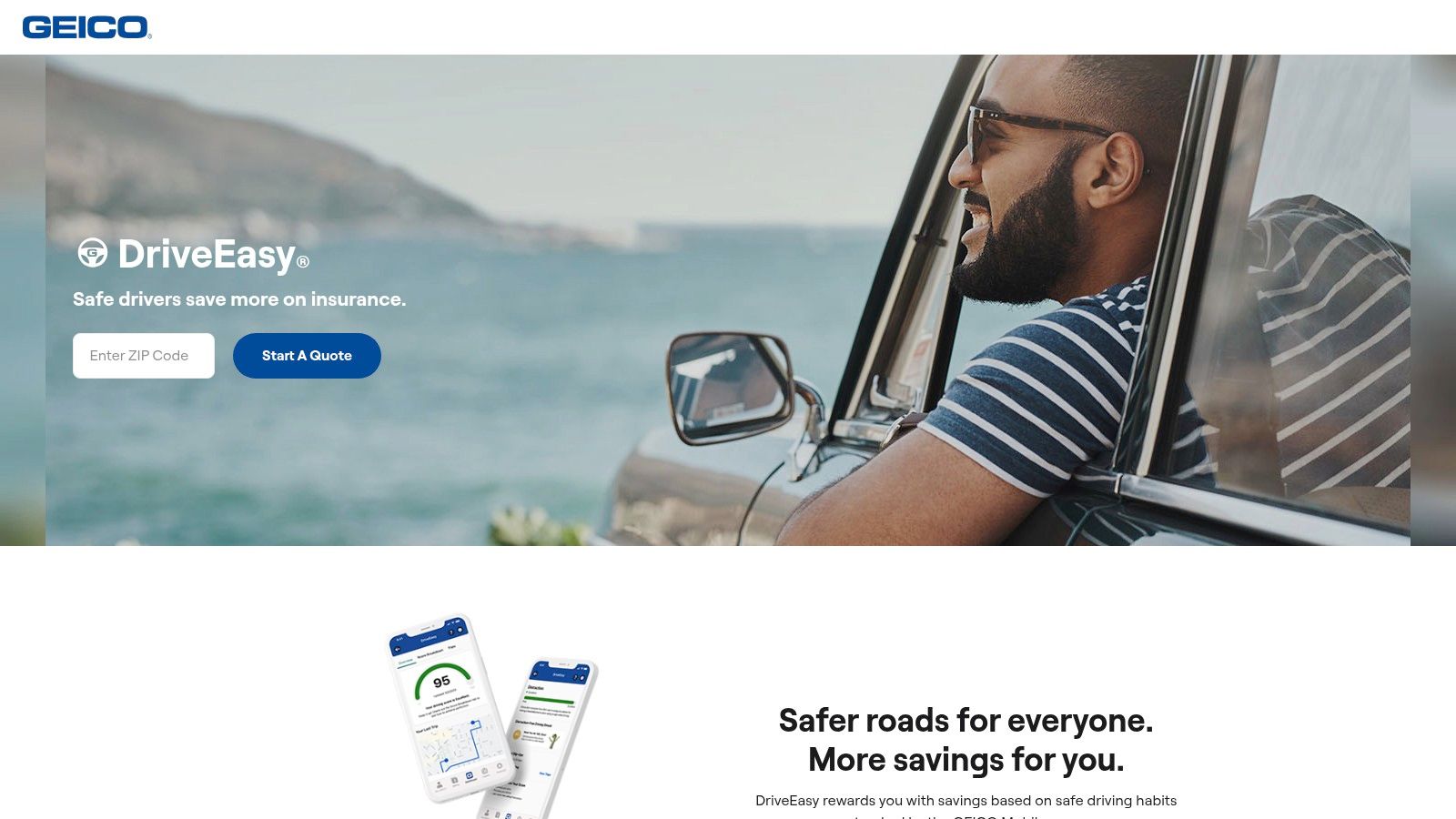
The user experience is designed to be hands-off after the initial setup, with automatic trip detection handling the data collection. The app provides individualized scores and a help center with actionable tips, making it a useful coaching tool. This direct connection between demonstrated safety and insurance cost makes it a powerful motivator among apps for safe driving.
Key Features and Best Use
DriveEasy is ideal for cost-conscious drivers who are confident in their safe driving habits and want to be rewarded for them. It is particularly effective for families looking to instill better habits in all household drivers, as the scores provide a transparent benchmark for performance. However, it's crucial to understand that risky driving could potentially increase premiums.
- Platform: iOS, Android
- Cost: Free (requires an active GEICO auto insurance policy)
- Best For: Policyholders looking to potentially lower their insurance premiums through proven safe driving.
| Pros | Cons |
|---|---|
| Simple setup and comprehensive online help | Premiums can vary based on tracked habits |
| Explicit guidance on state availability | All drivers on a policy may need to enroll |
| Financial incentive for safer driving | Privacy concerns regarding constant tracking |
Pro-Tip: Regularly review your trip details within the app to understand specific moments that impacted your score, such as a hard brake in traffic. Use the driver role editing feature to correctly assign trips if you were a passenger, ensuring your score remains accurate.
Website: https://www.geico.com/driveeasy/
10. AAA AAADrive
Leveraging the trust of one of America's most established automotive clubs, AAADrive is a telematics feature integrated directly into the main AAA Mobile app. It transforms the member app into a powerful tool for safe driving by monitoring driving habits on each trip. This data-driven approach provides users with a tangible score and personalized feedback, aiming to foster safer behaviors behind the wheel.
The user experience is built around journey recording and driver coaching. After each drive, the app analyzes factors like phone distraction, speed, and hard braking to generate a driver score and offer specific tips for improvement. For many, the primary draw is the potential for insurance discounts, which are available to members whose local AAA club and insurer participate, such as the Auto Club Insurance Company of Florida.
Key Features and Best Use
AAADrive is ideal for existing AAA members, especially families and new drivers, who want to benefit from a trusted brand's driver safety program. It provides a clear, actionable way to visualize driving habits and work toward improvement, with the added incentive of potential insurance savings. The integration with other AAA services like roadside assistance makes it a convenient, all-in-one solution.
- Platform: iOS, Android
- Cost: Free (included with AAA membership)
- Best For: AAA members in participating states looking for direct feedback and potential insurance discounts.
| Pros | Cons |
|---|---|
| Backed by trusted AAA brand and services | Availability and discounts vary significantly by state/club |
| Potential for real insurance savings | Not a standalone app, requires AAA membership |
| Provides specific, data-driven feedback | May not be available to all AAA members nationwide |
Pro-Tip: Before relying on AAADrive for a discount, check directly with your local AAA club and insurance agent to confirm participation. Understanding the specific metrics they weigh most heavily can help you focus your efforts for the biggest safety and financial impact.
Website: https://www.acg.aaa.com/insurance/aaadrive.html
11. Waze
Waze distinguishes itself from standard navigation tools by leveraging a massive, real-time community of drivers to enhance situational awareness. More than just a GPS, it functions as a live, collaborative map, providing proactive alerts for road hazards, accidents, and speed traps. This crowd-sourced intelligence makes it one of the most dynamic apps for safe driving, helping users anticipate and react to changing conditions long before they become a direct threat.
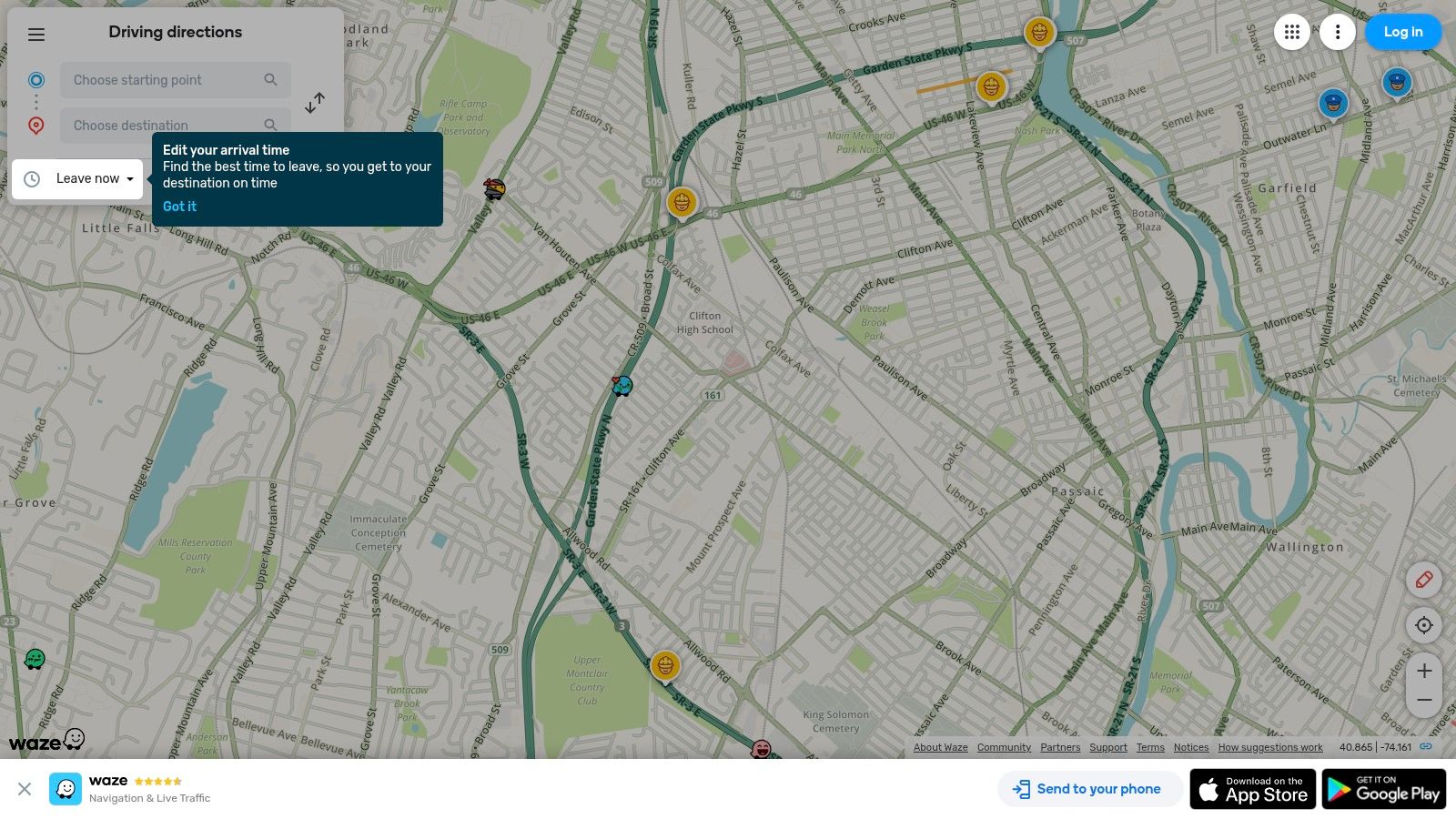
The platform’s user experience is centered around its real-time alerts for everything from police presence and potholes to objects on the road. Its hands-free reporting feature, managed through voice commands, allows drivers to contribute to the community's safety without compromising their own. Integrating these alerts with a solid understanding of defensive driving techniques can significantly improve a driver's ability to avoid potential dangers.
Key Features and Best Use
Waze is ideal for daily commuters and anyone driving in high-traffic or unfamiliar areas where road conditions can change rapidly. The community-sourced data on speed limits, sharp curves, and first responders provides an extra layer of information that traditional GPS apps often lack, encouraging more cautious and informed driving.
- Platform: iOS, Android
- Cost: Free (ad-supported)
- Best For: Drivers who want proactive, real-time alerts about road hazards and traffic conditions.
| Pros | Cons |
|---|---|
| Massive real-time community data for proactive hazard avoidance | Community data can vary in accuracy by location |
| Frequent safety-oriented updates and wide platform support | Occasional feature glitches or notification inconsistencies |
| Strong integration with CarPlay and Android Auto | Can sometimes suggest unusual or complex routes to save time |
Pro-Tip: Customize your alerts in Settings > Alerts & reports > Reports to prioritize the notifications most relevant to your safety, such as "Police ahead" or "Hazard on road," while disabling less critical ones to reduce distractions.
Website: https://www.waze.com
12. SAFE 2 SAVE
SAFE 2 SAVE shifts the focus from penalizing distracted driving to rewarding responsible behavior. This app uses a positive reinforcement model, awarding points to drivers for not using their phones while the car is in motion. These points can then be redeemed for real-world discounts and offers at participating local businesses, creating a tangible incentive to stay focused on the road. It’s a gamified approach that makes it one of the more engaging apps for safe driving, especially for younger drivers.
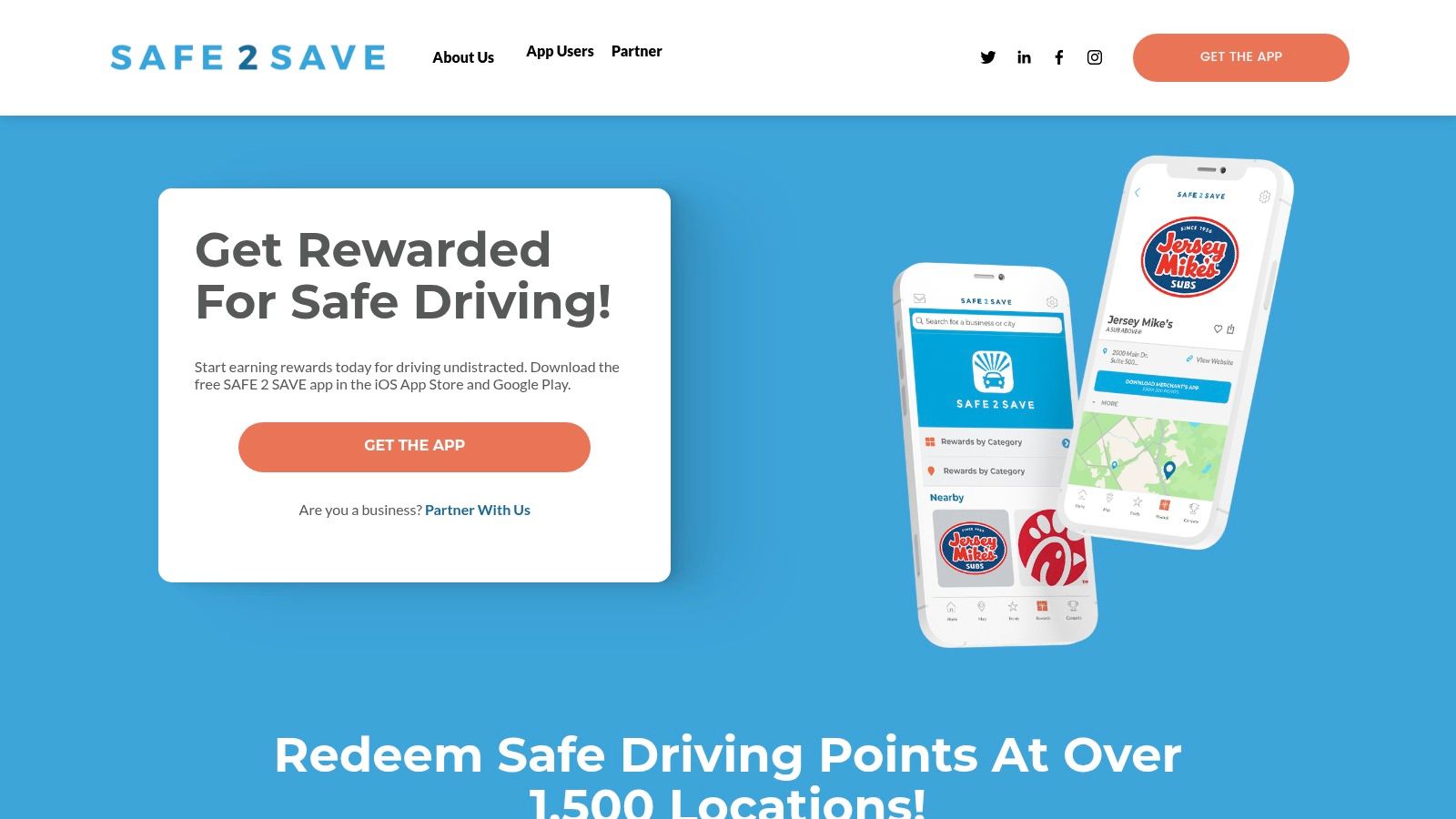
The user experience is straightforward: activate the app before a drive (or use the Auto-On feature) and start accumulating points. The app runs in the background, allowing the use of navigation and music apps via Bluetooth without penalty. Its community-oriented features, like family circles with arrival notifications and school-wide competitions, add a layer of accountability and social motivation.
Key Features and Best Use
SAFE 2 SAVE is ideal for parents, schools, and employers looking to encourage safer driving habits through positive reinforcement rather than strict monitoring. The reward system provides a compelling reason for teens to put their phones down, turning safe driving into a challenge with attainable goals and rewards.
- Platform: iOS, Android
- Cost: Free
- Best For: Teen drivers and families looking for a reward-based system to curb phone use.
| Pros | Cons |
|---|---|
| Positive reinforcement model with tangible rewards | Reward availability depends on local business partners |
| Gamification elements encourage consistent use | Requires the app to be active to earn points |
| Allows Bluetooth for maps and music without penalty | The Auto-On feature may impact battery life |
Pro-Tip: Before committing, browse the "redeem" section of the app to see which local restaurants and businesses in your area are participating. This will help you and your family see the direct value of earning points for safe driving.
Website: https://www.safe2save.org/
Top 12 Safe Driving Apps Comparison
| Product | Core features | UX / Quality ★ | Price / Value 💰 | Target & USP 👥 ✨ 🏆 |
|---|---|---|---|---|
| Apple CarPlay | iPhone app mirroring, Siri, maps, safety UI | ★★★★★ mature, consistent | 💰 Free with iPhone; needs compatible head unit | 👥 iPhone drivers; ✨ CarPlay Ultra & deep integration; 🏆 wide OEM support |
| Driving Focus (iPhone) | Silences notifications, auto-reply, auto-activate with CarPlay/Bluetooth | ★★★★ seamless iOS integration | 💰 Free (iOS feature) | 👥 Parents & teens; ✨ auto-activation & quick toggles |
| Android Auto | Android app projection, voice-first, Maps/Waze, split-screen | ★★★★ familiar Google UX | 💰 Free; requires compatible Android & vehicle | 👥 Android drivers; ✨ Gemini/Google services integration; 🏆 broad app support |
| Life360 | Real-time location, crash detection, driving reports, Tile integration | ★★★★ comprehensive family hub | 💰 Freemium; paid tiers for full features | 👥 Families; ✨ driving analytics + emergency features |
| OnStar Guardian | Mobile crash detection, 24/7 advisors, roadside assistance | ★★★★ professional emergency response | 💰 Subscription (app-only plan) | 👥 Anyone wanting emergency support; ✨ staffed advisors; 🏆 trusted OnStar brand |
| State Farm Drive Safe & Save | Telematics via app+beacon, feedback on driving metrics | ★★★★ clear behavior feedback | 💰 💰 Potential discounts (up to ~30%); beacon required | 👥 State Farm policyholders; ✨ transparent scoring & savings |
| Progressive Snapshot | Phone-sensor tracking, 90-day Road Test option | ★★★ widely available, some scoring complaints | 💰 Free program; discounts vary by state | 👥 Drivers seeking discounts; ✨ 90-day Road Test option |
| Allstate Drivewise | Trip feedback (phone use, speed, braking), integrated app | ★★★★ data-backed collision reduction | 💰 Potential credits; embedded in Allstate app | 👥 Allstate customers; ✨ insurer-integrated coaching |
| GEICO DriveEasy | Automatic trip logging, driver scores, improvement tips | ★★★★ simple setup & guidance | 💰 Potential premium impact; state-dependent | 👥 GEICO policyholders; ✨ auto-detection & role editing |
| AAA AAADrive | Journey recording, driver coaching, member discount eligibility | ★★★★ backed by AAA services | 💰 Member benefit; discounts where participating | 👥 AAA members; ✨ integration with membership & insurers |
| Waze | Community alerts (hazards, responders), hands-free reporting | ★★★★ strong real-time data | 💰 Free | 👥 All drivers seeking routing awareness; ✨ massive crowd-sourced alerts; 🏆 proactive hazard avoidance |
| SAFE 2 SAVE | Rewards for undistracted driving, family circles, competitions | ★★★★ gamified & motivating | 💰 Free; rewards depend on local partners | 👥 Teens, schools, employers; ✨ points-for-rewards gamification; 🏆 reduces phone use via incentives |
Beyond the App: Integrating Technology with Lifelong Safe Driving Habits
Navigating the landscape of apps for safe driving reveals a powerful truth: technology is a formidable ally, but it is not a substitute for an engaged and educated driver. Throughout this guide, we've explored a diverse suite of tools, from integrated infotainment systems like Apple CarPlay and Android Auto that minimize distractions, to family-focused trackers like Life360 and OnStar Guardian that provide peace of mind. We've also delved into the world of insurance telematics with programs such as State Farm’s Drive Safe & Save and Progressive’s Snapshot, which offer tangible financial incentives for demonstrating responsible habits on the road.
The core takeaway is that these applications serve as powerful data collectors and behavior modifiers. They transform abstract concepts like "smooth acceleration" or "sudden braking" into concrete, measurable data points. This feedback loop is where the real potential for improvement lies. For a teen driver, seeing a report card from AAA AAADrive can be the catalyst for a productive conversation with a parent about cornering too quickly. For a seasoned driver, a notification from GEICO DriveEasy about phone use can be a necessary wake-up call to break a dangerous, ingrained habit.
Choosing and Implementing the Right Tool
Selecting the best app from this list depends entirely on your specific goals. Your decision-making process should be guided by your primary motivation for seeking out these tools in the first place.
- For Parents of Teen Drivers: Your focus should be on apps that offer location sharing, speed alerts, and detailed trip reports. Life360 and OnStar Guardian excel here, providing a safety net that balances independence with oversight. The key is to frame the use of these apps as a collaborative tool for safety, not a punitive surveillance device.
- For Individuals Seeking to Lower Insurance Premiums: The choice is straightforward. You must use the telematics app offered by your provider, whether it's Allstate Drivewise or another program. The crucial step is to fully understand the metrics being tracked and actively work to improve your score in those specific areas.
- For Anyone Battling Distracted Driving: The built-in Driving Focus mode on iPhones or community-powered navigation from Waze are excellent starting points. For a more direct incentive-based approach, an app like SAFE 2 SAVE can provide the positive reinforcement needed to keep your phone down.
Once you’ve chosen an app, successful implementation requires more than just installation. It requires commitment. Sit down with your family to discuss the app’s purpose, review privacy settings together, and set clear expectations. For insurance apps, dedicate a few minutes each week to review your driving reports. Identify patterns and connect them to real-world situations. Did you brake hard because you were following too closely? Did you accelerate rapidly to merge onto the highway? This self-assessment is critical.
The Human Element: Education as the Foundation
Ultimately, these apps are mirrors reflecting your habits; they cannot create good habits on their own. That foundation is built through education, awareness, and a deep understanding of traffic laws and defensive driving principles. The data from an app is only as useful as your ability to interpret it and translate it into safer actions. This is where formal driver education becomes indispensable.
Understanding the why behind the data is what solidifies lasting change. An app can tell you that you brake hard, but a defensive driving course explains the "three-second rule" for following distance that prevents the need for sudden stops. Furthermore, safe driving extends beyond just your actions behind the wheel; it includes understanding your vehicle's unique characteristics. For instance, knowing how to go about properly operating an electric vehicle in winter is a crucial, vehicle-specific skill that no app can teach you but is essential for safety. By combining the real-time feedback from the best apps for safe driving with the foundational knowledge from a certified course, you create a comprehensive and resilient safety strategy. This synergy empowers you to not just drive, but to drive with intelligence, foresight, and a genuine commitment to the well-being of everyone on the road.
Ready to turn the data from your safe driving app into expert-level skills? BDISchool offers state-approved online courses, including Basic Driver Improvement (BDI), designed to reinforce the principles of defensive driving and help you meet court or DMV requirements. Enroll at BDISchool today to build the knowledge foundation that makes technology a truly powerful tool for lifelong safety.